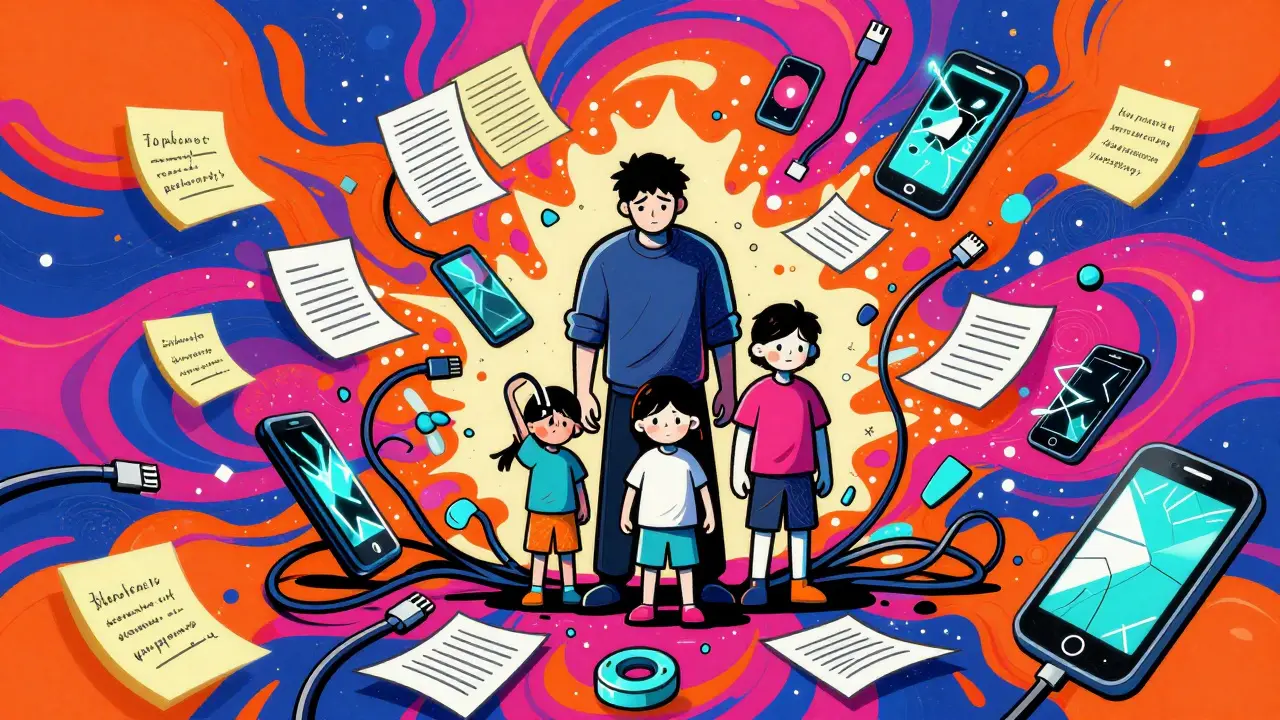
You know exactly where the physical deed to your house is. It’s probably in that heavy fireproof box under the stairs, or maybe tucked inside a false bottom of a kitchen drawer. But ask yourself this: if you were away on a long trip and couldn't be reached for three days, could your partner instantly find the login for your primary investment account? Or the policy number for your home insurance?
Most families have a 'key person' problem. One person holds the mental map of every subscription, every PIN code, and every document location. When that person is busy, sick, or simply offline, the rest of the family is left guessing. The old way of handling this-sharing passwords over text messages or keeping sticky notes on monitors-is messy and insecure. The modern solution is to move all critical information into a single digital vault.
The Problem with Scattered Information
We live in a world where our lives are digitized, but our organization methods are still stuck in the past. You likely have passwords scattered across browser autofill, bank details in email attachments, and medical records on a portal you rarely visit. This fragmentation creates friction.
Imagine a scenario where your child needs to access their school portal because you are at work and cannot answer your phone. Or consider a time when you need to grant a contractor temporary access to your Wi-Fi network while you are on a retreat. In these moments, speed and security matter. If you have to hunt through old emails to find a username, you lose time. If you send a password via an unencrypted chat app, you risk exposure.
This is why moving toward a centralized system is not just about tidiness; it is about resilience. A well-organized digital space ensures that the right people have the right information at the right time, without compromising privacy.
Why Standard Cloud Storage Falls Short
You might think, "I’ll just put everything in a shared Google Drive folder." While convenient, standard cloud services have a major flaw: they are not private by default. The service provider holds the encryption keys. This means they can technically access your files, and more importantly, hackers targeting those large corporate servers often succeed.
For sensitive family data-like passport scans, tax returns, or master passwords-you need a higher level of protection. This is where the concept of zero-knowledge architecture comes in. In a zero-knowledge system, your files are encrypted on your own device before they ever leave your hands. The company hosting the files has no idea what is inside them because they do not possess the decryption key. Only you (and those you explicitly share the key with) can open the vault.
This approach eliminates the risk of server-side breaches exposing your personal life. It shifts the responsibility of security from a faceless corporation back to you, which is exactly where it should be for critical information.
Introducing Vaulternal’s Family Vault
If you are looking for a tool that combines ease of use with military-grade privacy, Vaulternal's family vault stands out as a robust solution. Unlike traditional password managers that focus only on logins, Vaulternal is designed to store any type of file-documents, images, videos, and texts-in a secure, encrypted environment.
What makes Vaulternal different is its underlying technology. It does not rely on a single corporate server farm. Instead, it uses decentralized storage. When you upload a file, it is encrypted using AES-256-GCM on your device, broken into chunks, and distributed across a network involving Arweave for permanent storage and IPFS for peer-to-peer distribution. Metadata is anchored on the Polygon blockchain.
Why does this matter for your family? Because it means your data is not held hostage by one company. Even if the service provider vanished tomorrow, your files would remain accessible to you and your designated contacts, provided you have your keys. This durability is crucial for long-term family preparedness.
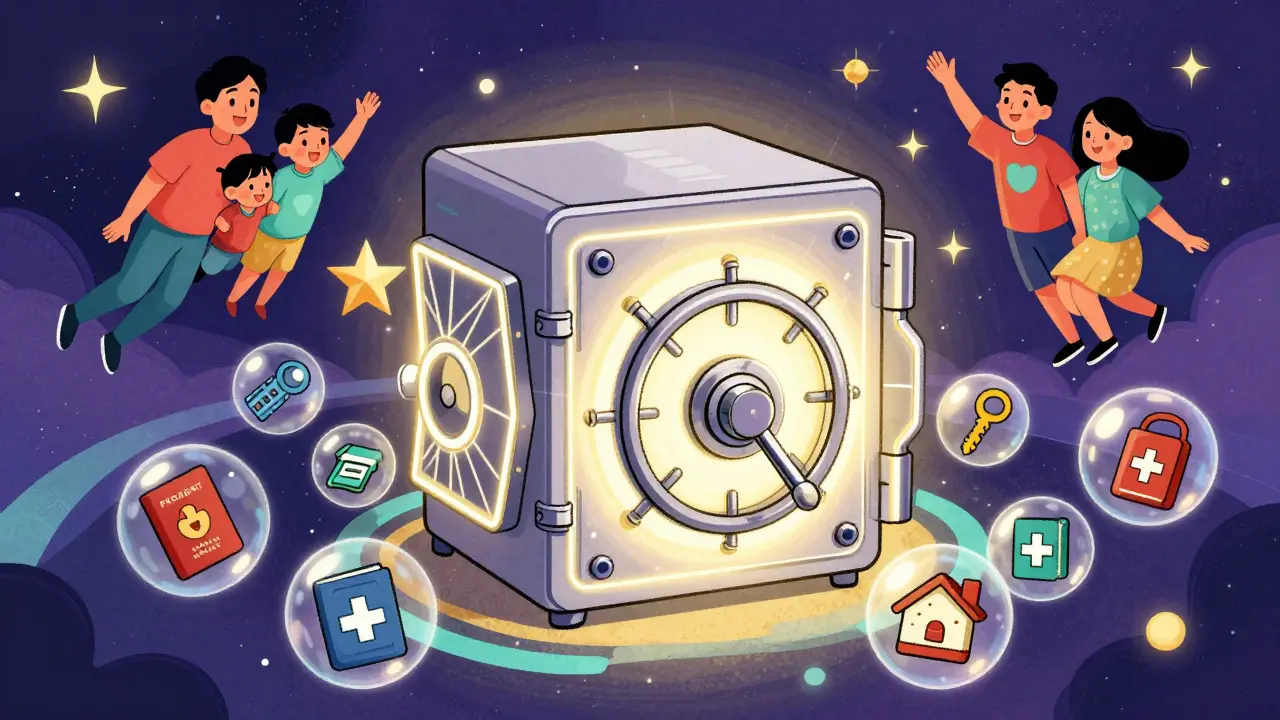
Setting Up Conditional Access Continuity
Having a vault is step one. Step two is deciding who gets in and when. Most people fear giving others access to their data because they worry about losing control. Vaulternal solves this with a feature called conditional access continuity. This allows you to set specific triggers for when another person can view a file.
Here are three practical ways to use this feature for family preparedness:
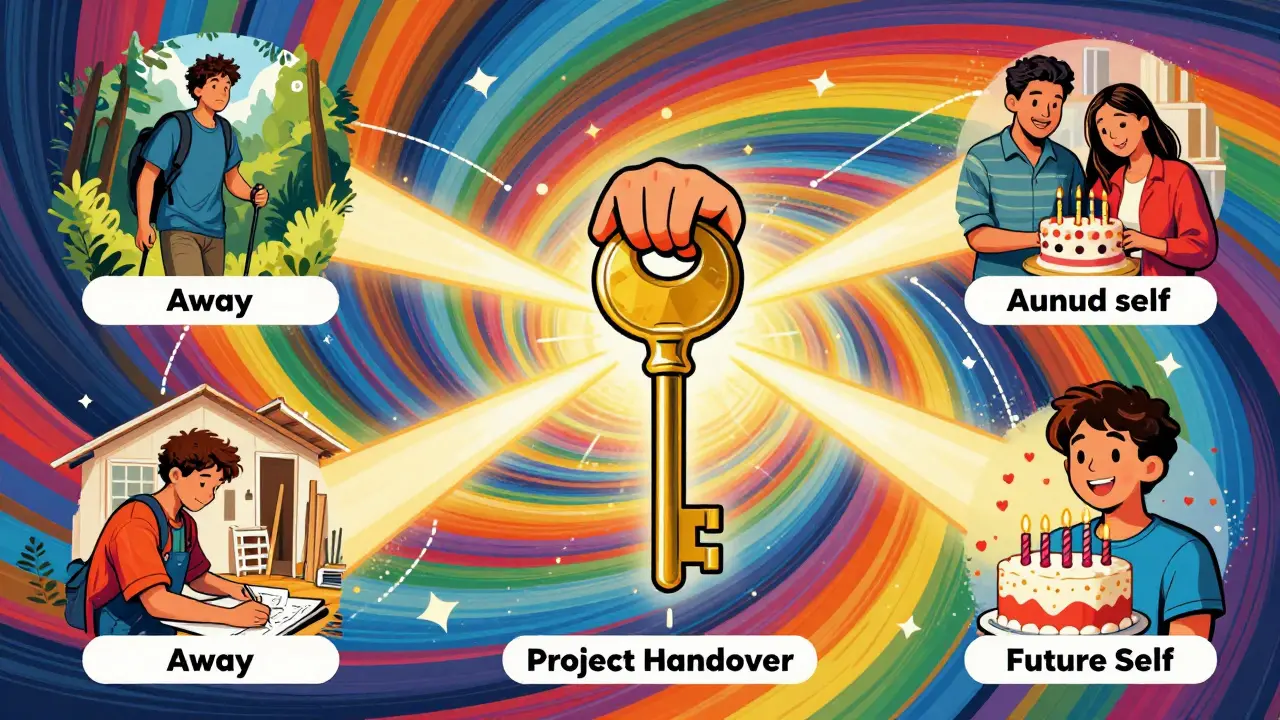
- The "Away" Trigger: You are going on a hiking trip with no cell service for five days. You can set a trigger so that if you do not check in by a certain date, your spouse automatically receives the key to your emergency medical documents and travel itinerary stored in the vault.
- The "Project Handover" Trigger: You are managing a home renovation. You can grant your contractor access to the architectural blueprints and warranty certificates, but only during the construction phase. Once the project is done, access can be revoked or expired.
- The "Future Self" Trigger: You want to record a video message for your teenager’s 18th birthday. You can upload the video now and set a time-based trigger so it unlocks and sends to them on their exact birthday, years from now.
This system removes the anxiety of "what if I’m not there to help?" It provides peace of mind knowing that help is available, but only when necessary and only to the people you trust.
What to Put in Your Family Digital Vault
Once you have the infrastructure, you need to populate it. Don’t just throw random files in there. Curate the contents based on utility and sensitivity. Here is a checklist of critical items to organize:
- Identity Documents: Scans of passports, driver’s licenses, birth certificates, and marriage licenses. Keep these separate from daily-use files.
- Financial Credentials: Instead of just storing passwords, store the answers to security questions and links to account recovery pages. Use the vault’s password storage capabilities to keep complex login strings safe.
- Insurance Policies: Home, auto, and health insurance policy numbers and direct contact info for agents.
- Medical Records: Vaccination records for kids, allergy information, and current medication lists.
- Smart Home Codes: Master codes for garage doors, safes, and smart locks.
By organizing these items logically, you turn your vault into a command center. If a pipe bursts and you need the plumber’s number and your insurance policy ID, you don’t need to dig through a filing cabinet. You open the vault, find the folder, and act.
Managing Recipients and Permissions
A common mistake is giving everyone full access to everything. This violates the principle of least privilege. Just because your sister is trusted doesn’t mean she needs access to your business bank logins. Vaulternal allows for multi-recipient sharing with per-recipient encrypted access keys.
This means you can create a "Family Emergency" folder and grant access to your spouse and your adult children. Then, you can create a "Business Admin" folder and grant access only to your business partner. Each recipient receives a unique key that unlocks only what you intended. They do not need technical knowledge to receive these keys; the interface handles the complexity for them.
Regularly review your list of recipients. As family dynamics change-divorces, new marriages, children growing up-update who has access. Treat your vault permissions like a living document, not a one-time setup.
Getting Started with Free and Paid Plans
You don’t need a huge budget to start securing your family’s data. Vaulternal offers a Free plan that includes 2 GB of storage. This is enough for most families to begin uploading essential documents like PDFs of IDs and insurance policies. There is no credit card required to sign up, so you can test the workflow immediately.
If you find that you have more media files, such as scanned books, high-resolution photos, or video messages for future triggers, you might upgrade. The Starter plan costs $8.33 per month (billed annually) and offers unlimited storage. For power users who manage multiple complex projects or large archives, the Pro plan is available at $15 per month (billed annually).
Starting small is wise. Begin with the free tier, upload your top five most critical documents, and invite one trusted family member. Test the sharing process. Ensure they can open the files on their device. Once you are comfortable, expand the vault’s contents and add more recipients.
Maintaining Your Vault Over Time
A digital vault is only as good as its maintenance. Set a calendar reminder for yourself once a year to audit your vault. Check for outdated passwords, expired insurance policies, or old medical records. Delete what is no longer needed and update what has changed.
Also, ensure your own backup of the encryption keys is safe. Since Vaulternal uses client-side encryption, if you lose your keys and have no other way to recover them, the data remains encrypted forever. Store your recovery phrase in a physical, secure location-like that fireproof box mentioned earlier-to complement your digital strategy.
Organizing your family’s critical information is an act of care. It reduces stress during emergencies and empowers your loved ones with the tools they need to handle life’s unpredictability. By using a secure, decentralized digital vault, you ensure that your family’s most important data is protected, accessible, and ready when it matters most.
Is Vaulternal safe for storing sensitive family documents?
Yes. Vaulternal uses client-side AES-256-GCM encryption, meaning your files are encrypted on your device before upload. The company operates on a zero-knowledge architecture, so they cannot read your files or recover them without your keys. Additionally, files are stored on decentralized infrastructure (Arweave, IPFS), reducing reliance on a single corporate server.
Can I give my spouse access to some files but not others?
Absolutely. Vaulternal supports multi-recipient sharing with per-recipient encrypted access keys. You can grant your spouse access to a "Family Medical" folder while restricting access to a "Business Finances" folder. Each recipient only sees what you explicitly share with them.
What happens if I go offline for a long time?
You can use the conditional access continuity feature. You can set time-based or inactivity-based triggers. For example, if you do not check in within 7 days of starting a remote work sabbatical, your trusted contact can automatically access specific files you pre-approved for them.
Do I need technical skills to use Vaulternal?
No. The user interface is designed for non-technical users. While the backend uses advanced blockchain and decentralized storage technologies, the experience feels like using a standard cloud drive. Recipients also do not need special technical knowledge to receive and open shared files.
Is there a free version available?
Yes, Vaulternal offers a Free plan with 2 GB of storage, which requires no credit card. This is sufficient for storing essential documents like IDs and insurance policies. For unlimited storage, paid plans like Starter ($8.33/mo) and Pro ($15/mo) are available.
Write a comment